
audiobookshelf
Login
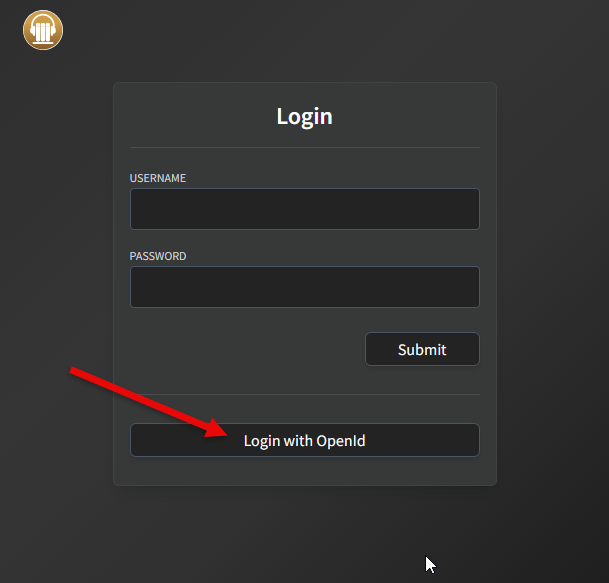
- Go to audiobookshelf.
- Click
Login with OpenId.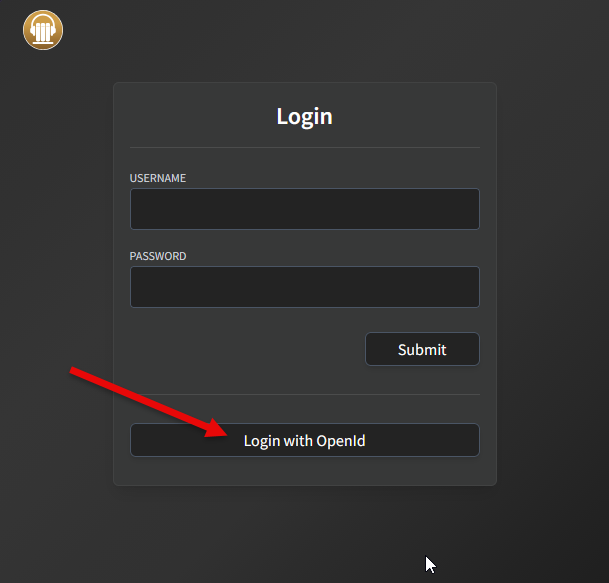
- Enter provided username and password.
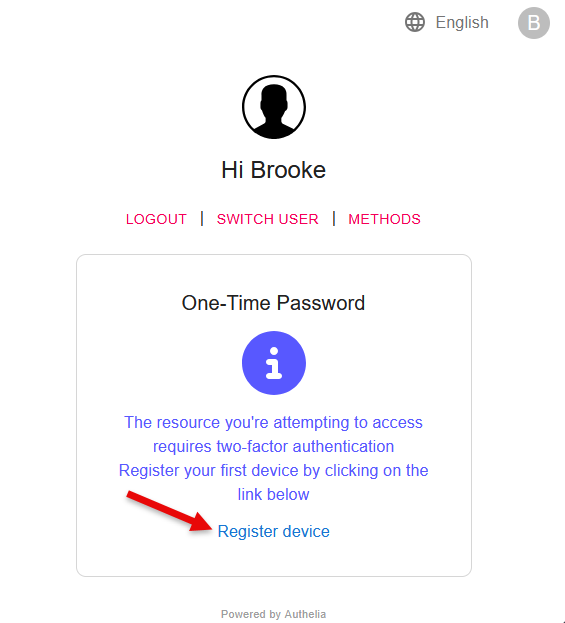
- If your user has not created a 'One-Time Password', you'll see this:
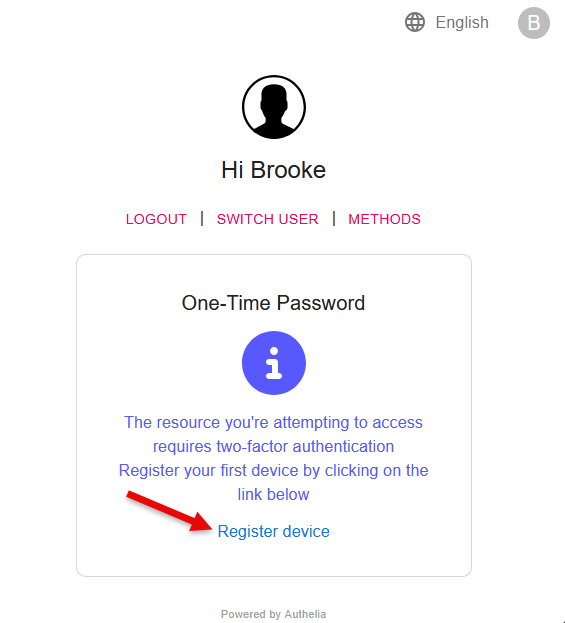
- Click
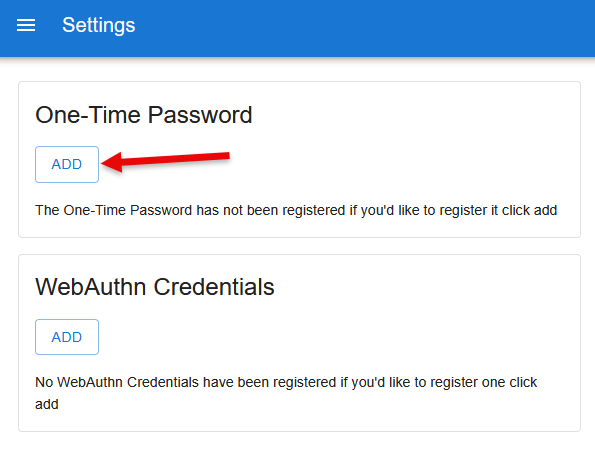
Register device. - Click
ADDunderOne-Time Password.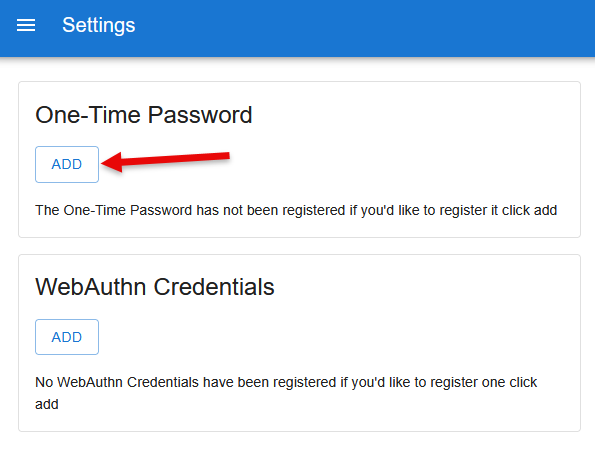
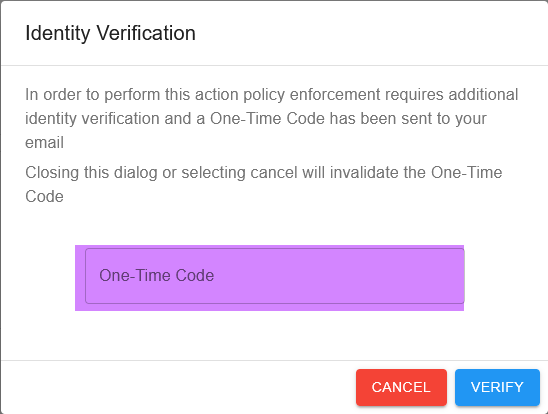
- You should receive an email from Authelia with a one-time code in it; enter it here:
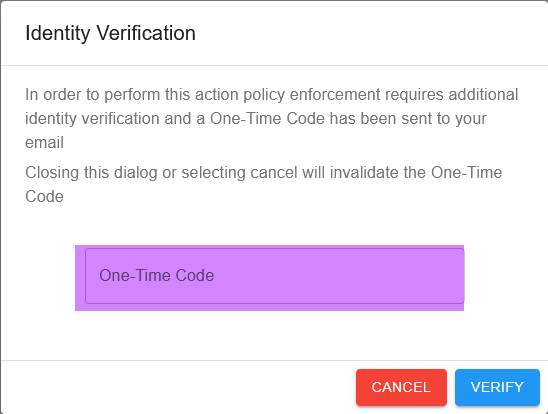
- Click
NEXT.
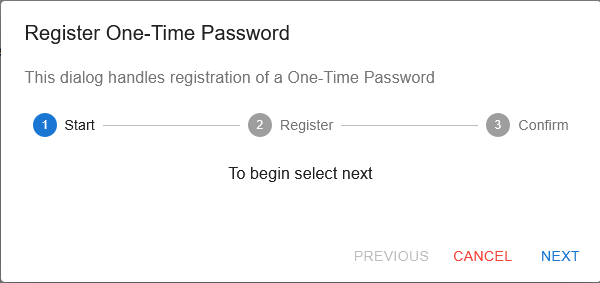
NEXT.
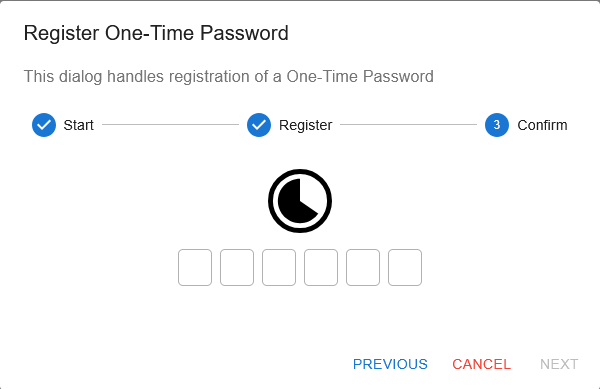
12. Enter the generated one-time password from your authenticator to verify that it works. It may look like it isn't doing anything for a few seconds.
 13. It will leave you at the Authelia settings page. Go to audiobookshelf again.
14. Click
13. It will leave you at the Authelia settings page. Go to audiobookshelf again.
14. Click Login with OpenId again.
15. Enter a newly generated one-time password.
16. Click ACCEPT.
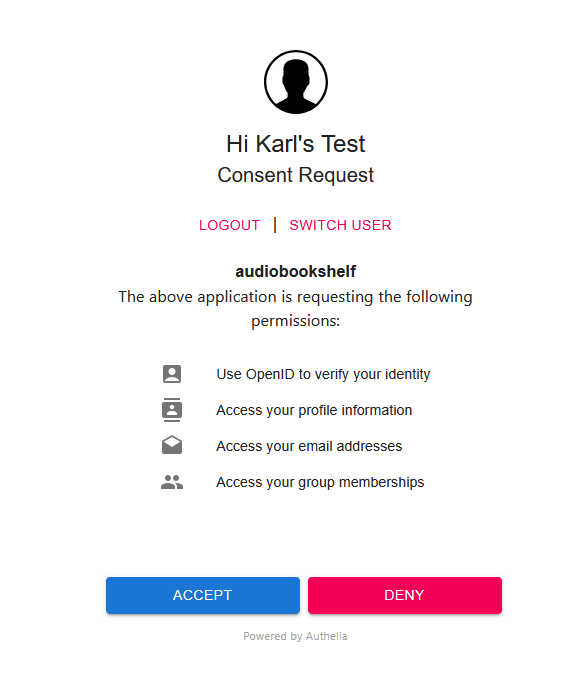 17. You're In!